To send in price declarations:
Go to sales orders
Filter on warehouse and date range
Select Create Price Declarations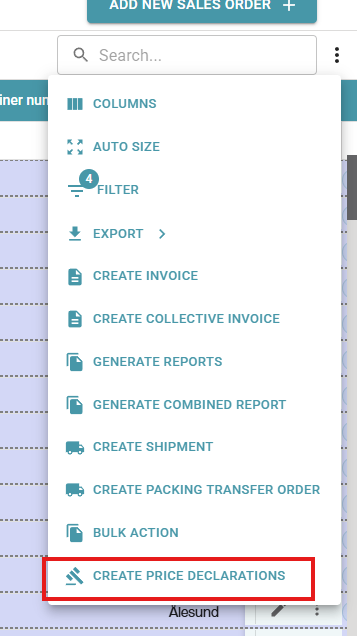
Go to Price Declarations Price declarations
Select the declarations that need costs adding (can use shift key to select multiple)
Click add cost. Set the cost type, amount and supplier.
Repeat for all costs to be added.
Select all that are ready to be sent in.
Click send.
Was this article helpful?
That’s Great!
Thank you for your feedback
Sorry! We couldn't be helpful
Thank you for your feedback
Feedback sent
We appreciate your effort and will try to fix the article